
01 / Your person photo
Upload this first. Choose a clear, well-lit photo with the clothing area visible. For a dress or trousers, include the full body. Use a photo you have permission to edit.
A new outfit, the same starting photo. Upload your person photo first, then a clothing reference. Sign in to generate with credits.
Upload this first. Choose a clear, well-lit photo with the clothing area visible. For a dress or trousers, include the full body. Use a photo you have permission to edit.
Upload this second. Show one outfit or garment clearly, with minimal background clutter. Use JPG, PNG or WebP, up to 5 MB per image.
Sign in, then add the person photo followed by the clothing reference. Check the thumbnail order before you continue.
Start with the prepared outfit-swap prompt. Adjust which clothes to replace, choose a model, and review the displayed credit cost.
Submit the edit and follow its progress in recent creations. Review the face, hands and clothing edges before downloading. Processing time and results vary.
Four actual results generated with Nano Banana 2 on October 20, 2026, using demonstration images from our earlier project. Compare the inputs with the unretouched output. Results vary; notice the extra clothing changes described below.
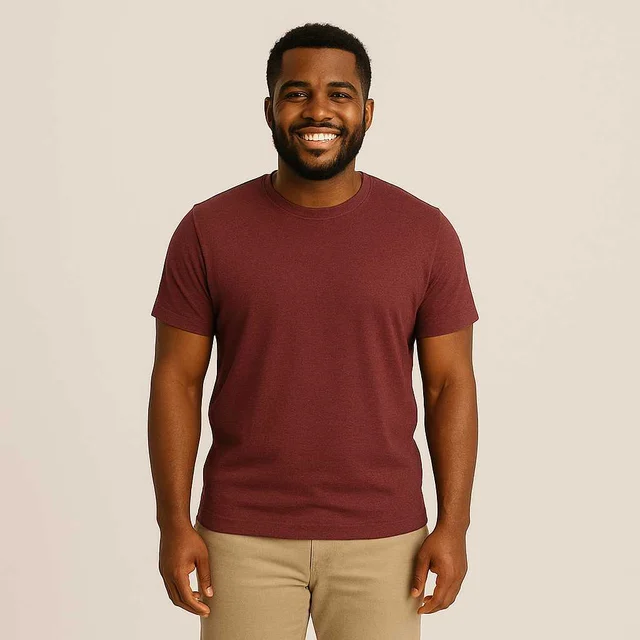
Original photo
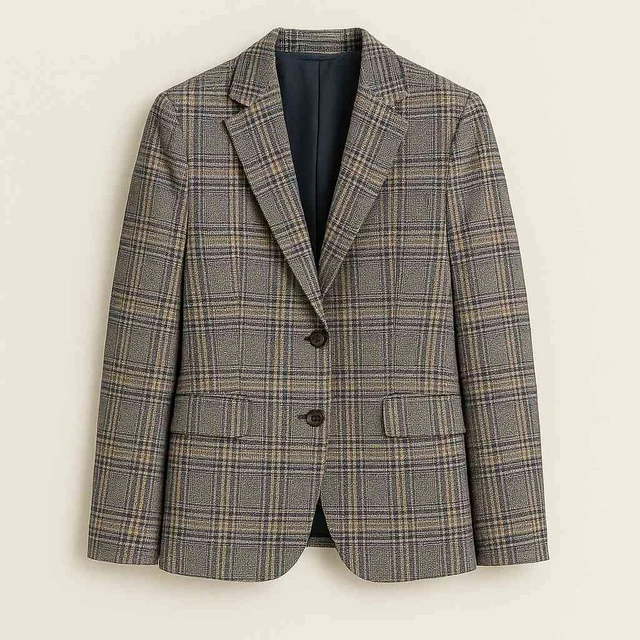
Outfit reference
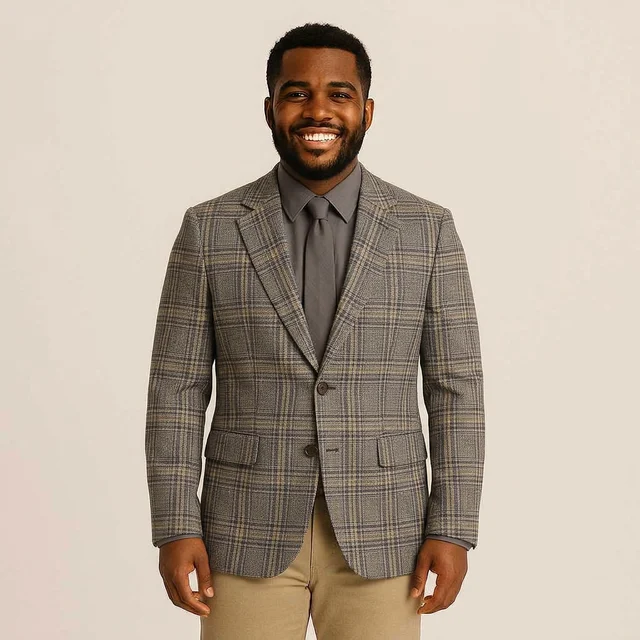
AI result
The blazer pattern transfers, while the model also adds a shirt and tie.
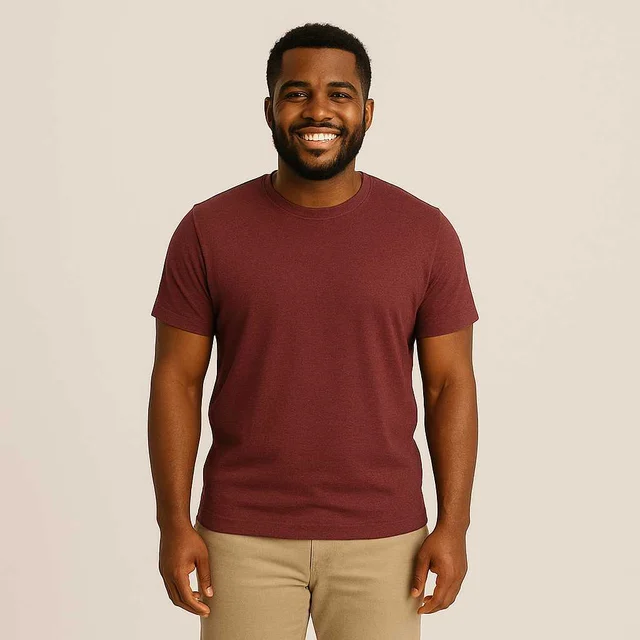
Original photo
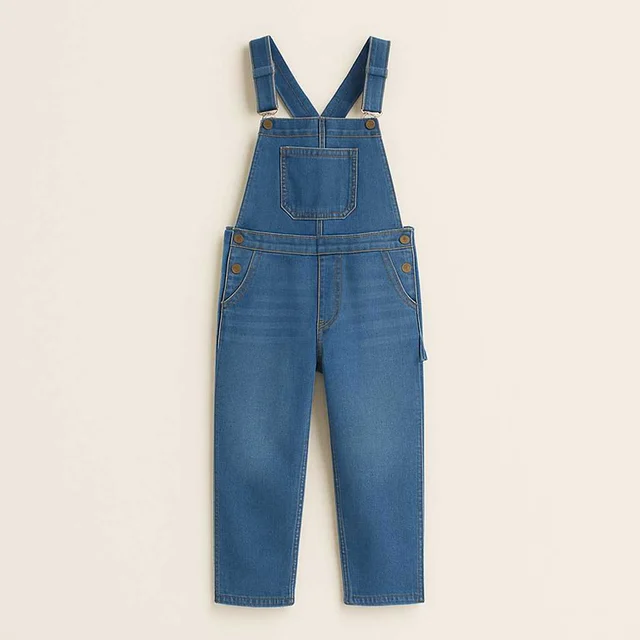
Outfit reference
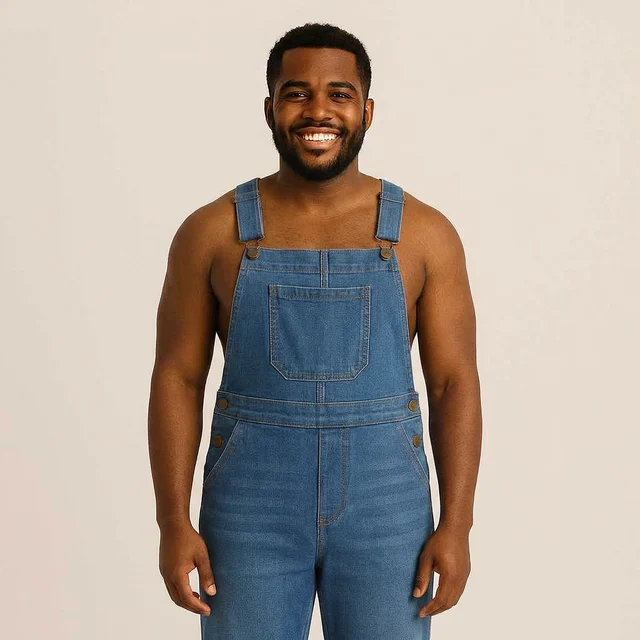
AI result
The overalls transfer; the original T-shirt is not retained.
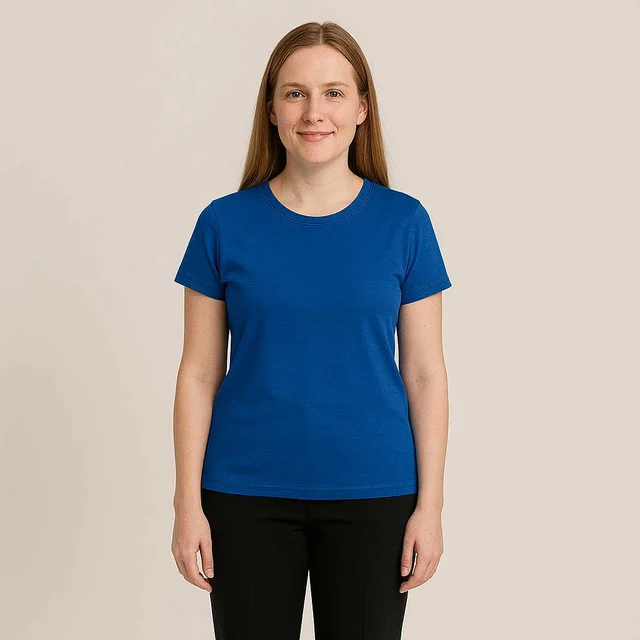
Original photo
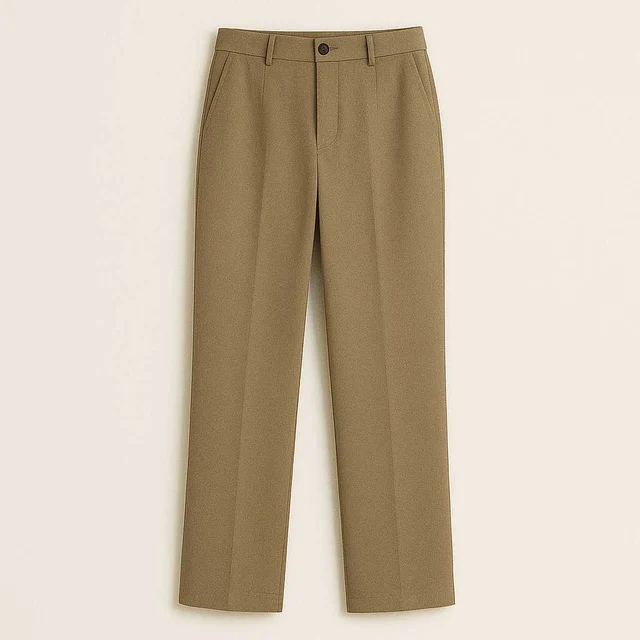
Outfit reference
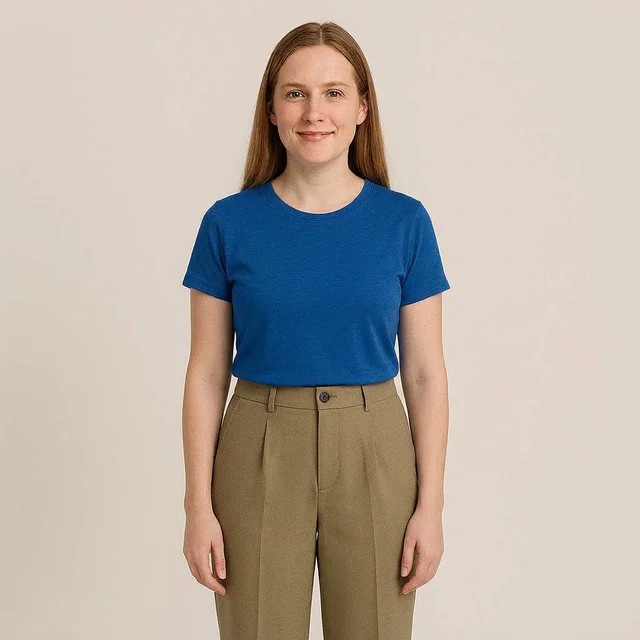
AI result
The trousers change while the blue top remains; the top is tucked in.
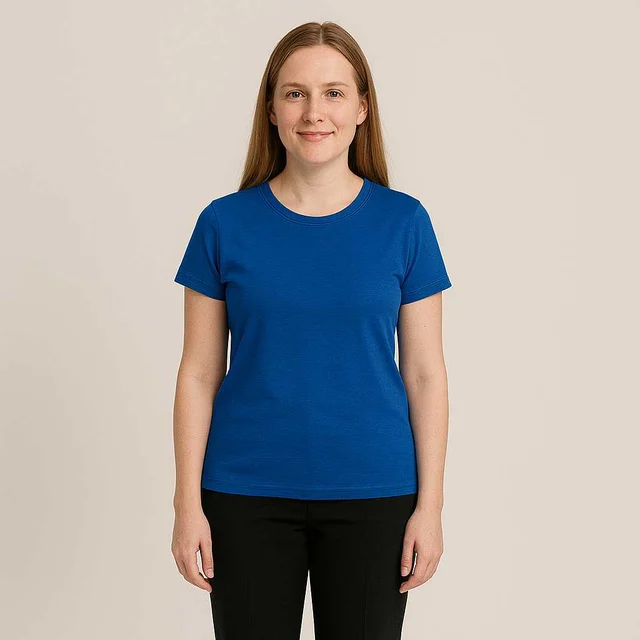
Original photo
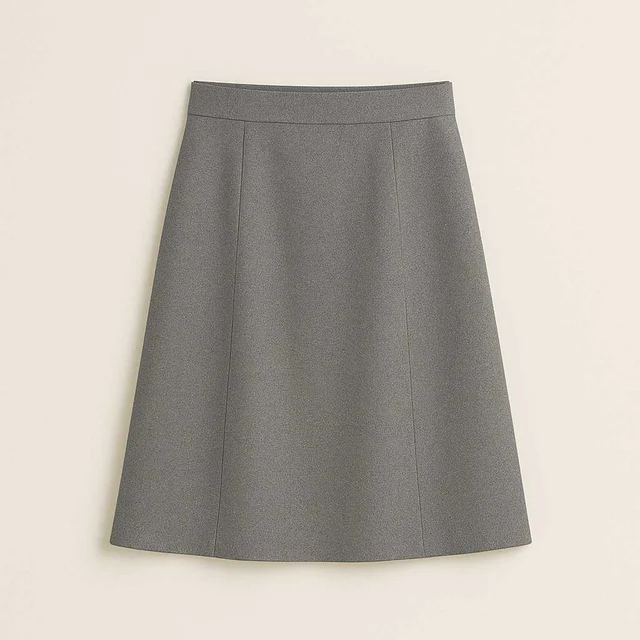
Outfit reference
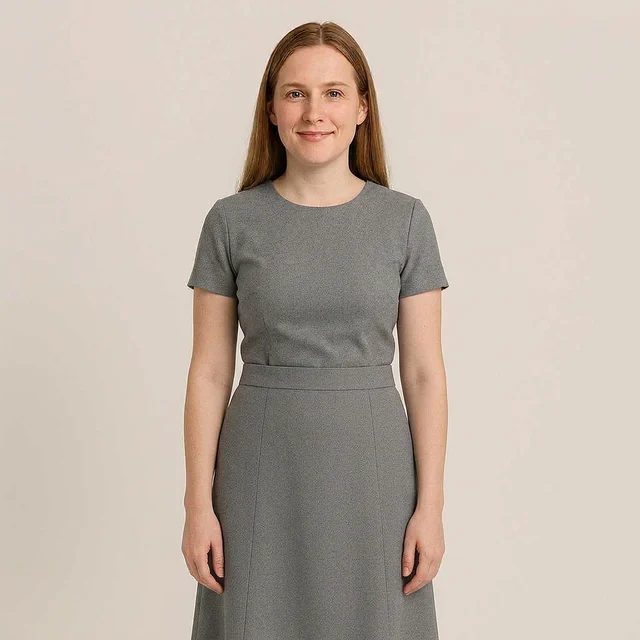
AI result
The model adds a matching grey top, showing that edits can extend beyond the reference garment.
Explore a shirt, jacket or full outfit on a clear portrait. Keep the shoulders and torso visible for a more useful starting image.
Plan a dress, blouse or layered look using a reference photo. Include the full body when the change extends below the waist.
For a child’s photo, a parent or guardian should choose the image and give permission. Keep edits to ordinary, fully clothed outfits.
These names overlap. Here, an outfit swap uses a second image as the clothing reference. A clothes changer may also use a text description to invent a new look. A reference gives you a concrete garment to aim for, but neither workflow guarantees an exact match or real-world fit.
Clothes swap guide →New accounts receive 24 welcome credits. Generating an image uses credits; the editor shows the cost for your selected model and resolution before you start.
Yes. Sign in or create an account before uploading photos and generating an outfit swap. Your account is used to manage credits and generation history.
You can upload a full-body photo. Keep the person large enough in the frame and the clothing area unobstructed. Fine details and body proportions may change, so review the generated image carefully.
The prepared prompt asks the model to preserve the person and follow the clothing reference. AI edits can still alter faces, hands, patterns and logos. Results are visual previews, not exact garment or fit guarantees.
Uploads are sent to this service’s storage and, when you generate, to the configured AI provider. They are not processed only in your browser. Upload only images you have permission to use.